Follow the steps below to share access to your domain with the Modular Orange team.
IMPORTANT: If you originally purchased your domain through Google Domains, it was purchased by Squarespace Domains last year and your domain is now with Squarespace. If you have not set up your domain account with Squarespace Domains, please email austin@matchstickstudio.co if you need assistance.
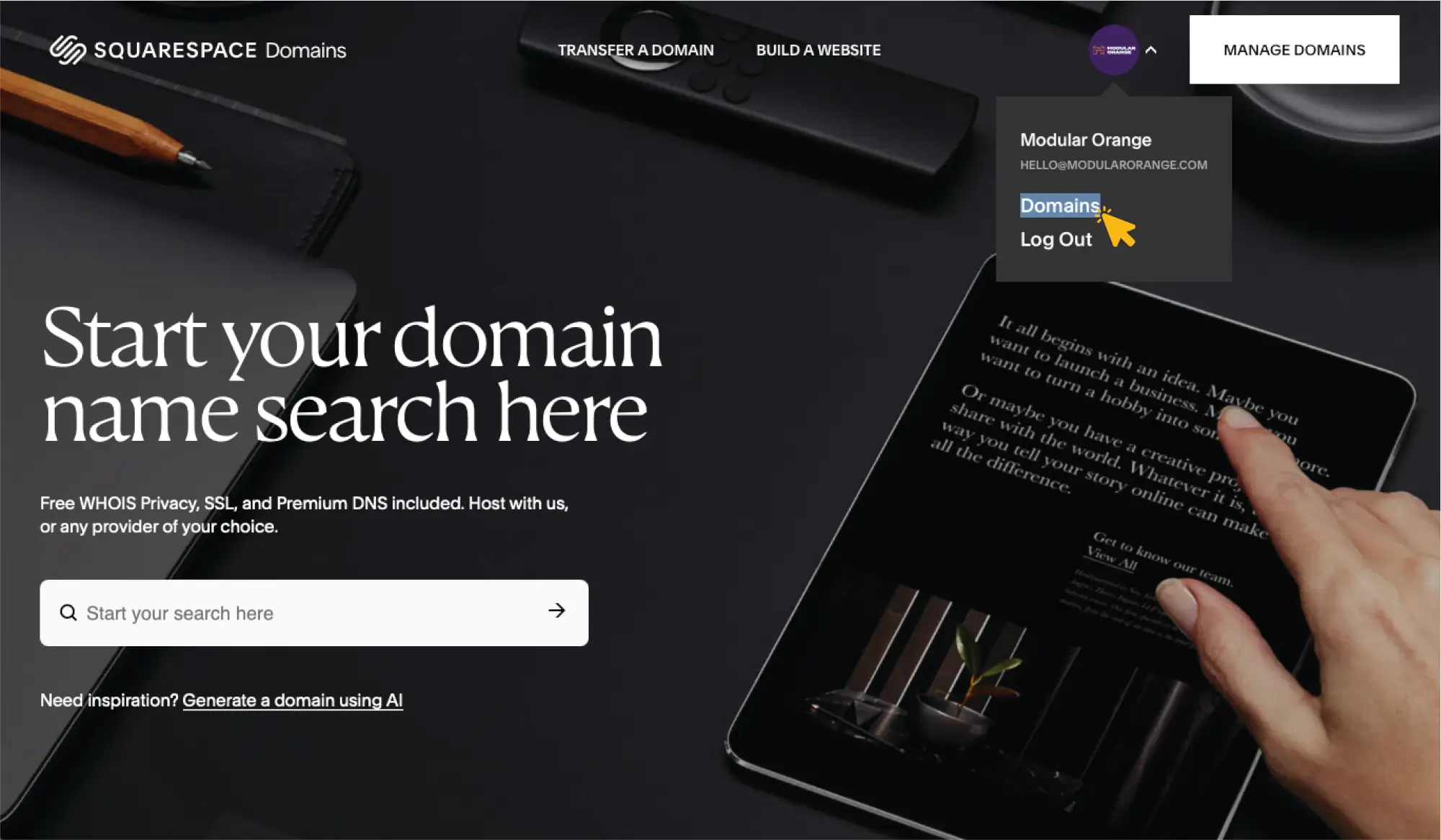
Log in to your account & click "Domains."
Log in to your Squarespace account at https://domains.squarespace.com/ Once you log in,on the right, click your profile bubble and then click Domains.
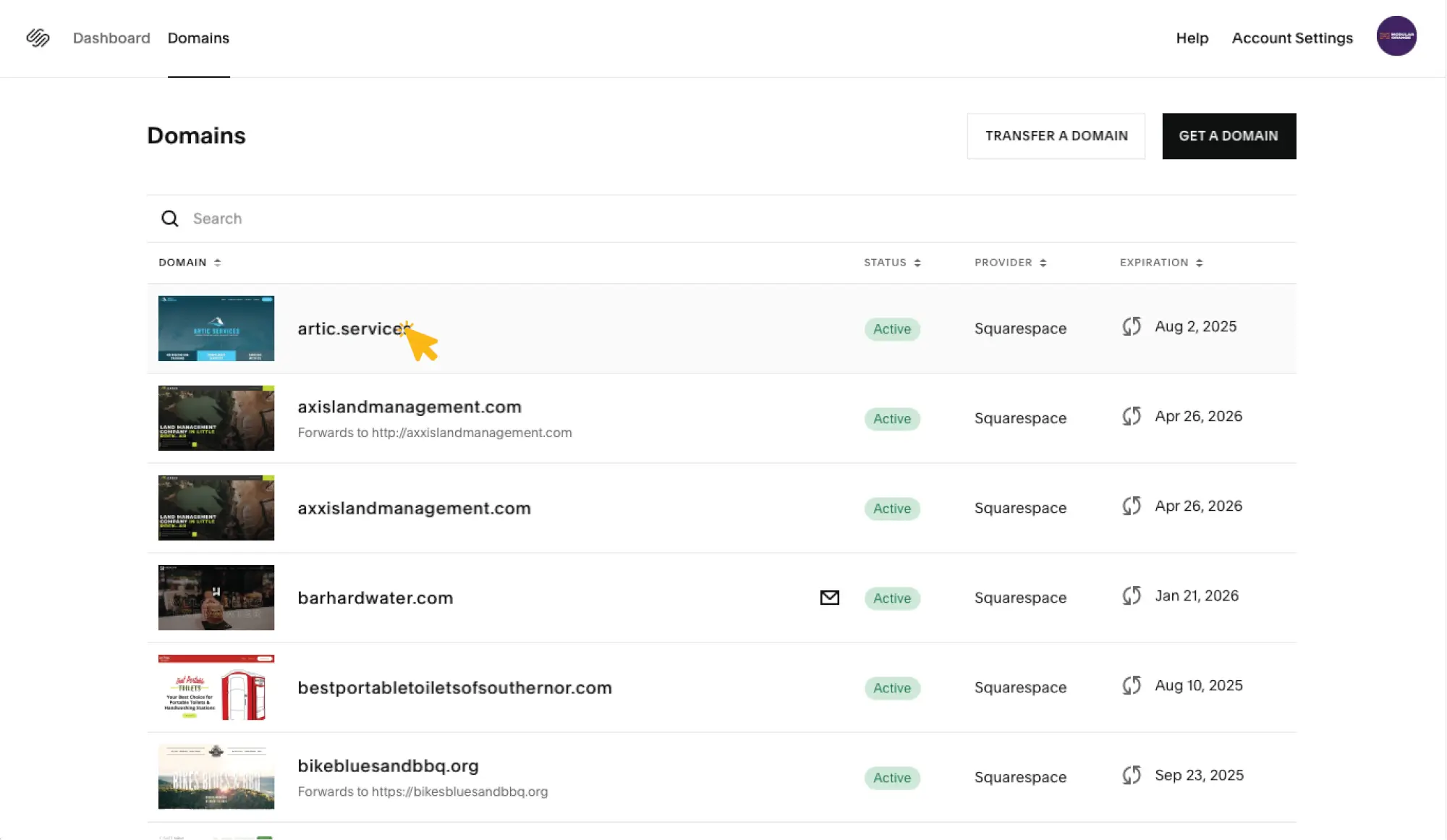
Select your domain.
Hover over and click the domain you want to share access to.
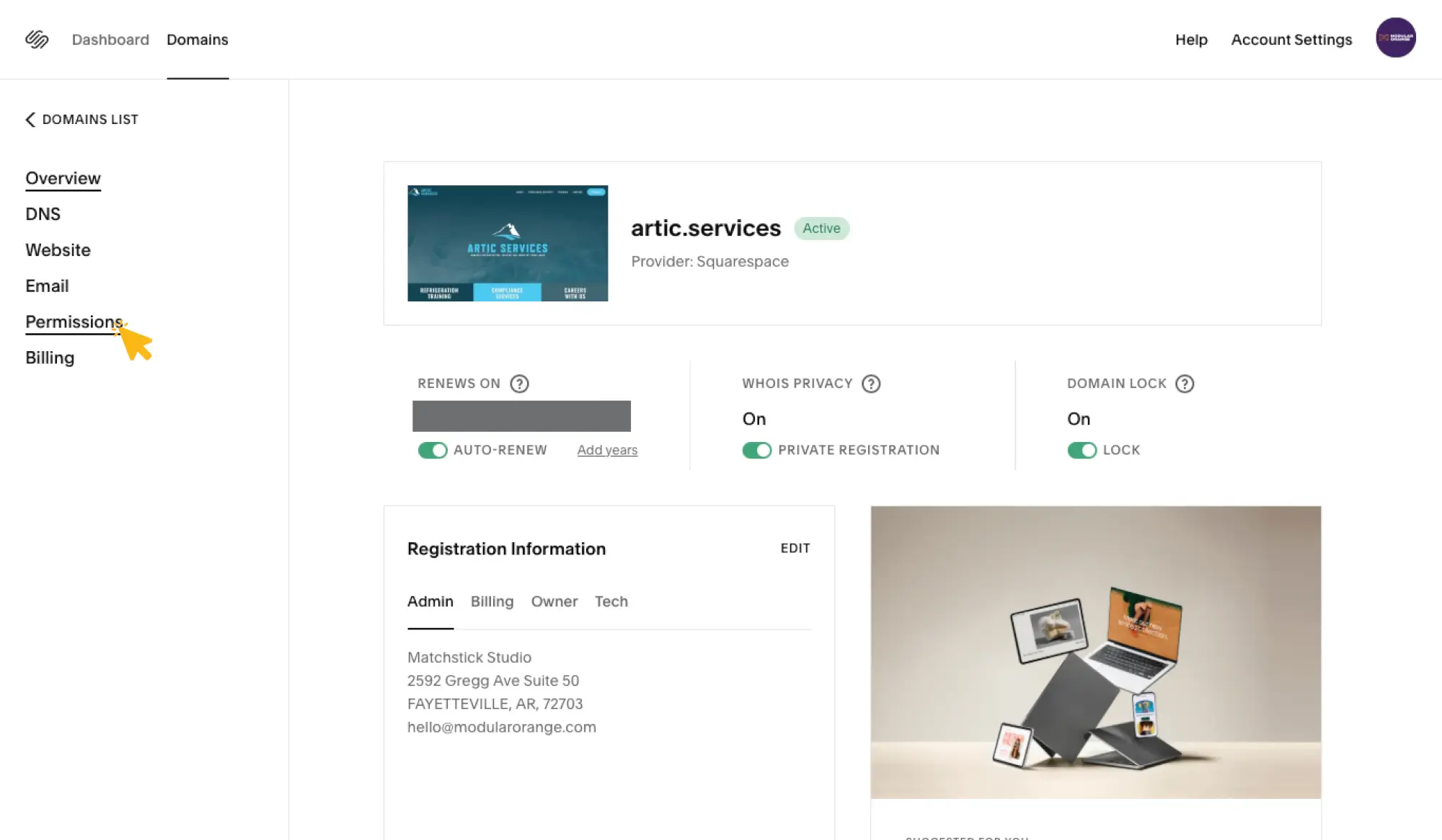
Click "Permissions" on the left menu.
On the left, click Permissions.
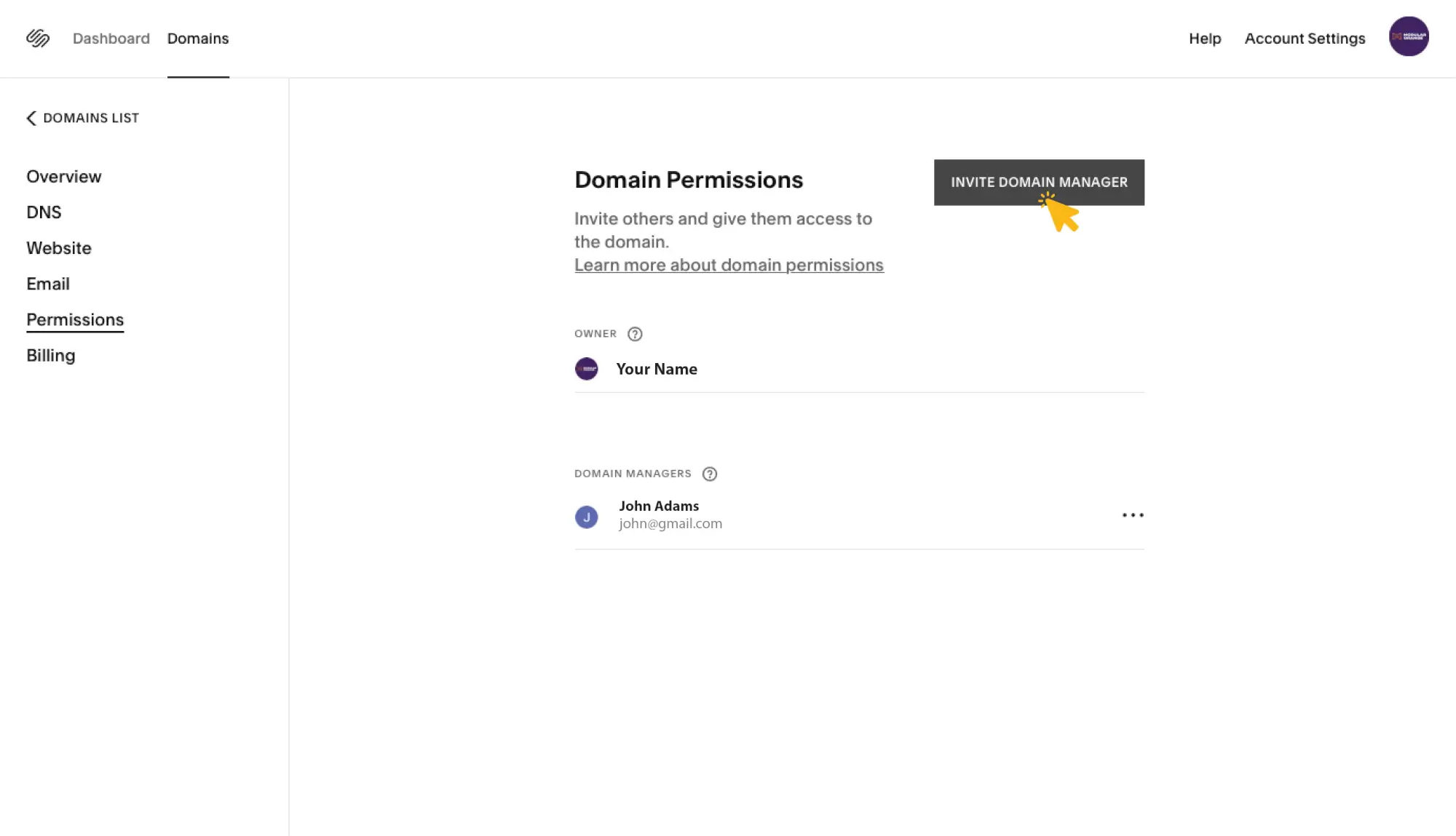
Click "Invite Domain Manager."
On the right, click the black button that says Invite Domain Manager.
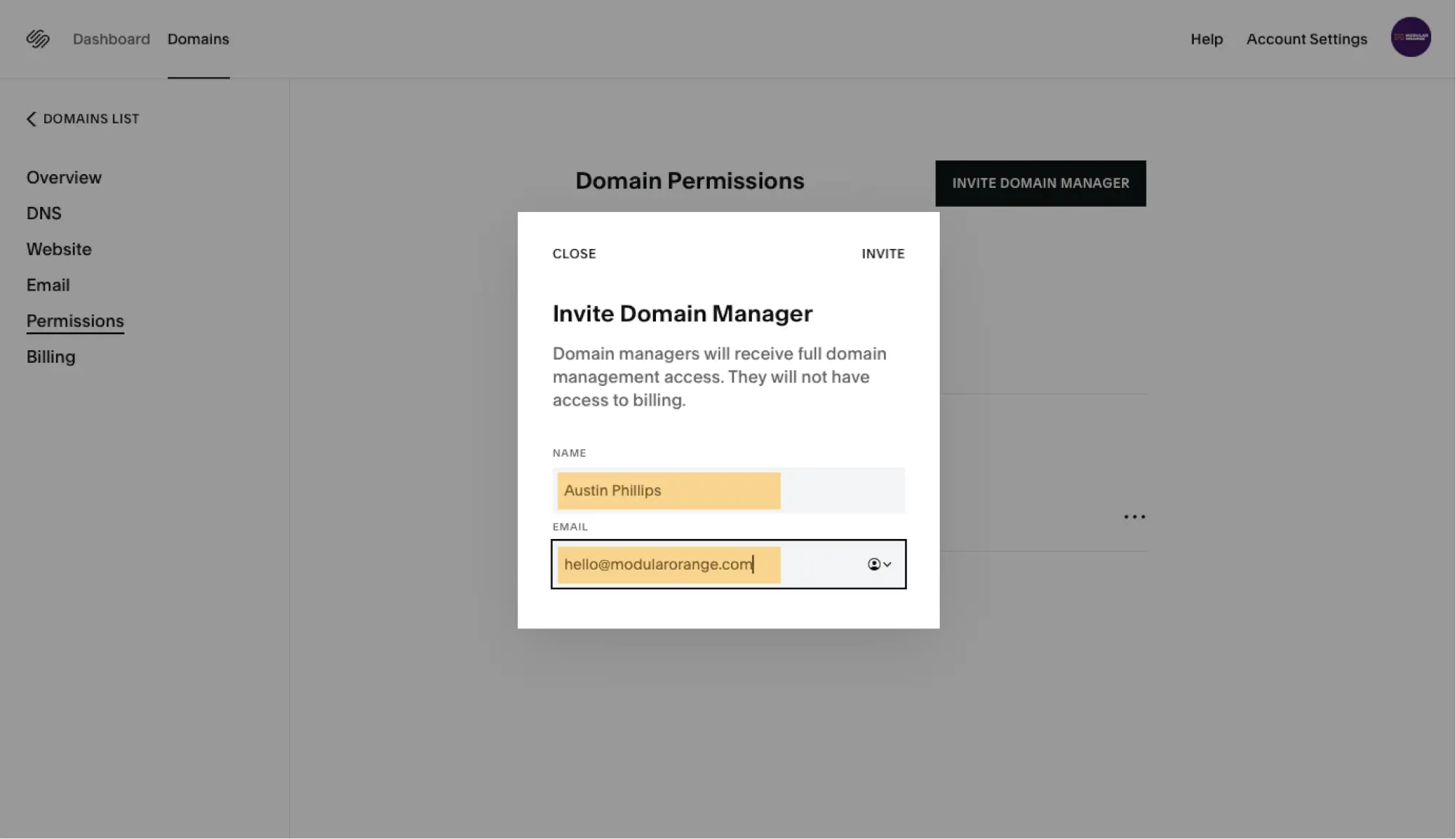
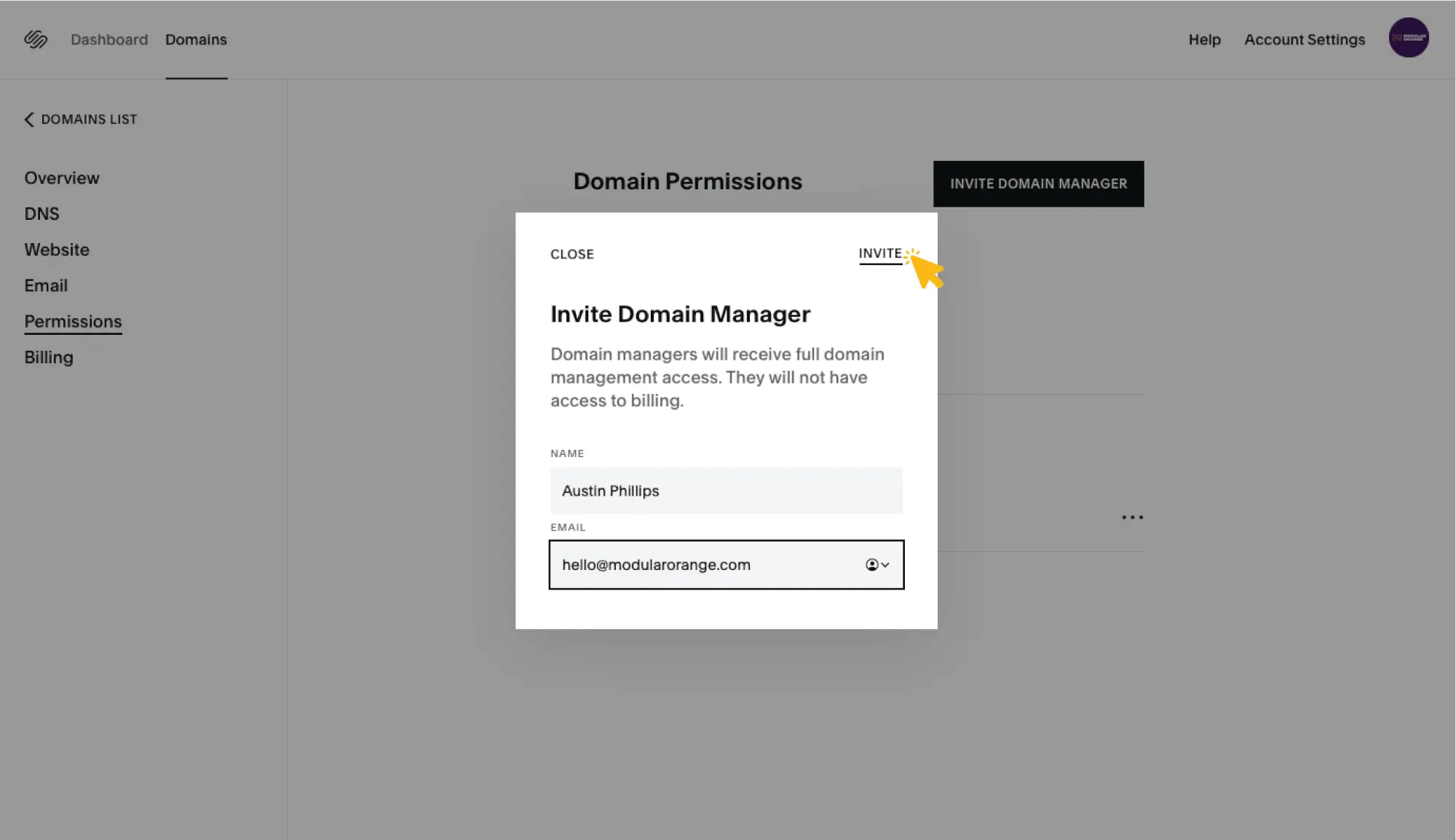
Enter our info and invite us to manage your domain.
In the name field, add Austin Phillips. In the email field, enter hello@modularorange.com