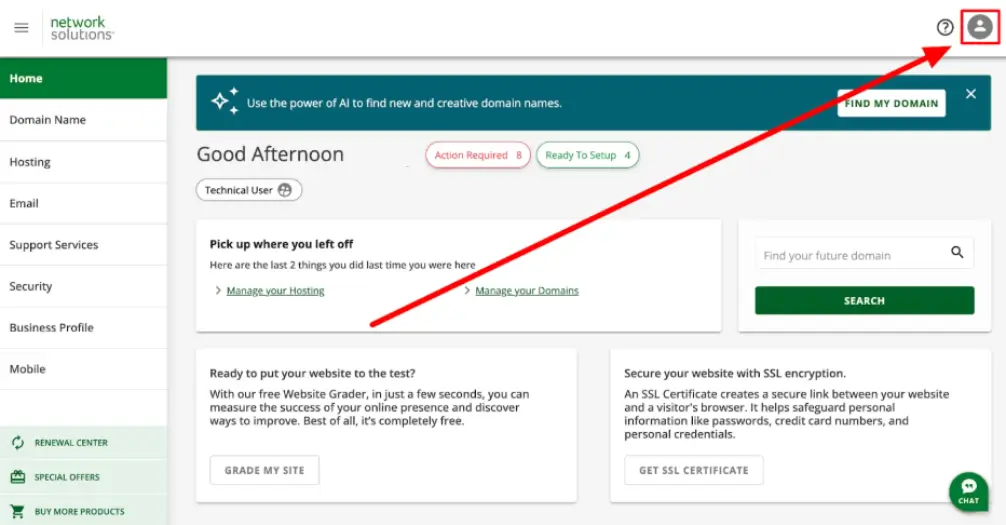
Log into your account via www.networksolutions.com/my-account/login. Once logged in, click on your username in the top right-hand corner.
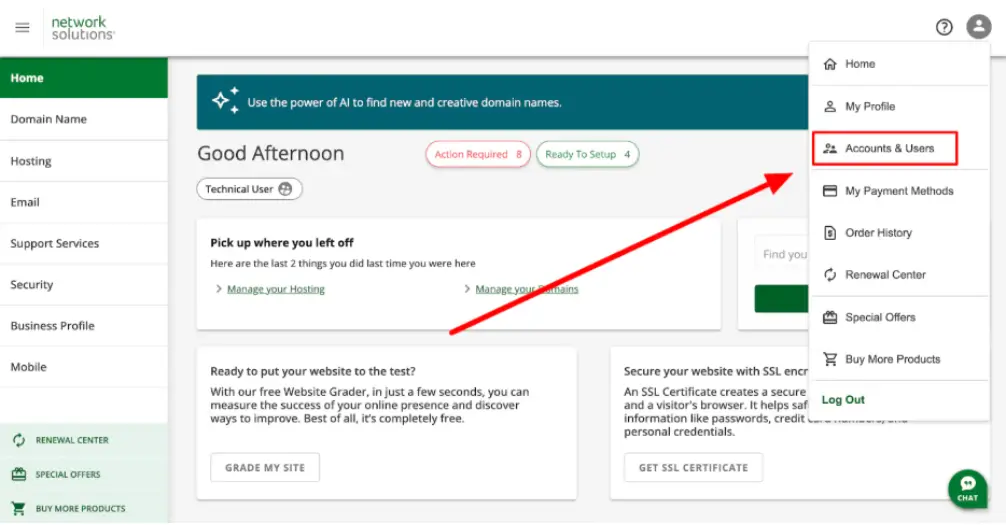
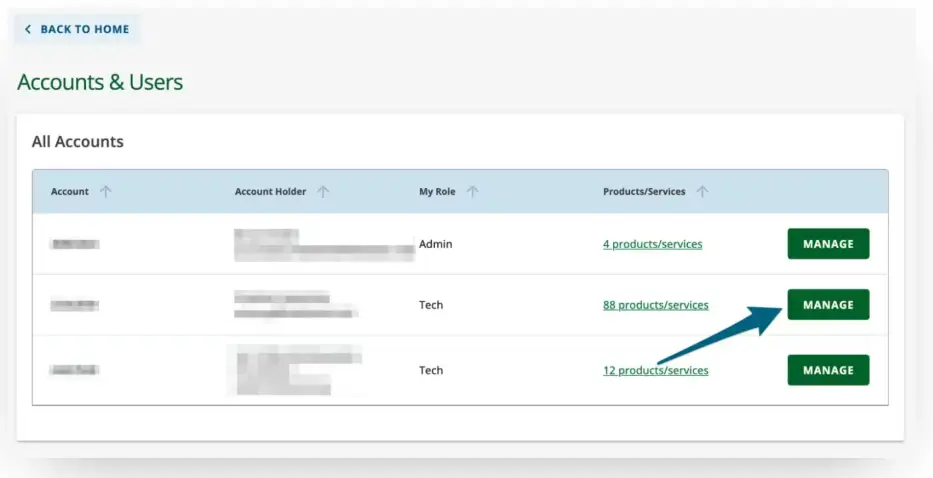
Select the domain account you want to delegate access to and press the Manage button.
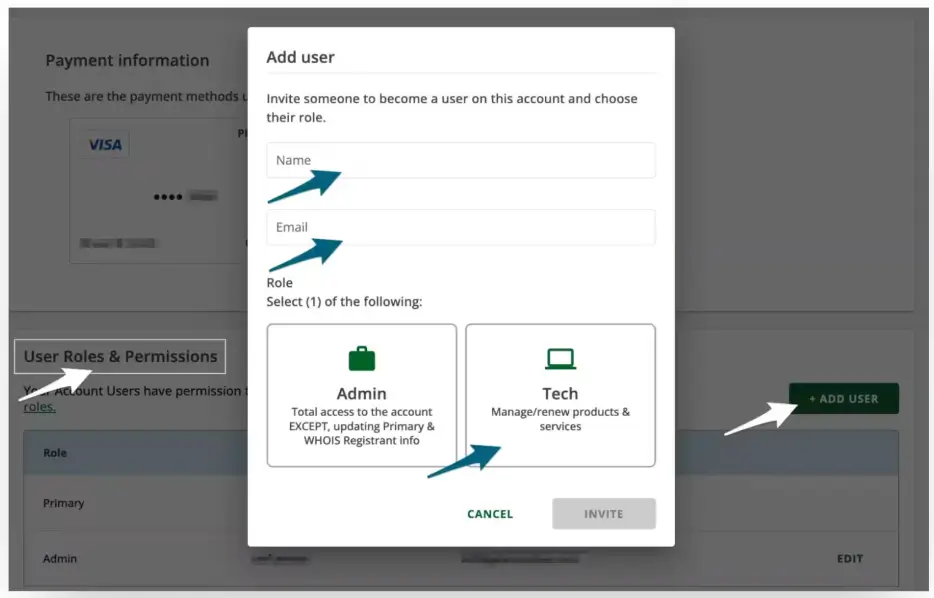
Navigate down the page to the User Roles & Permissions section and press the + Add User button.
This will open a new user modal window where you will need to add:
Name: Austin
Email: hello@modularorange.com
Select the Tech role access. Press Invite, and you’re done!
Please email us at support@modularorange.com once you've delegated access.