Navigate to Namecheap’s website and sign in to your account using your credentials.
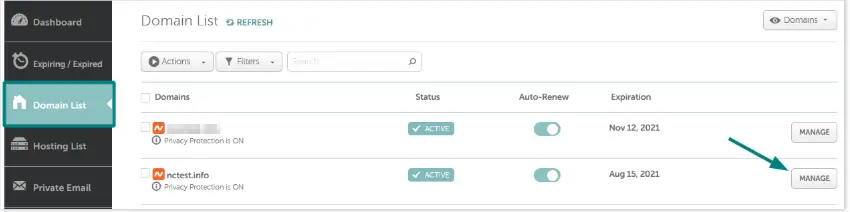
Once logged in, select "Domain List" from the left sidebar.
Find the domain you wish to share access to and click on the "Manage" button to the right of it.
In the domain management dashboard, locate and click on the "Sharing & Transfer" tab.
Scroll to the "Share Access" section.
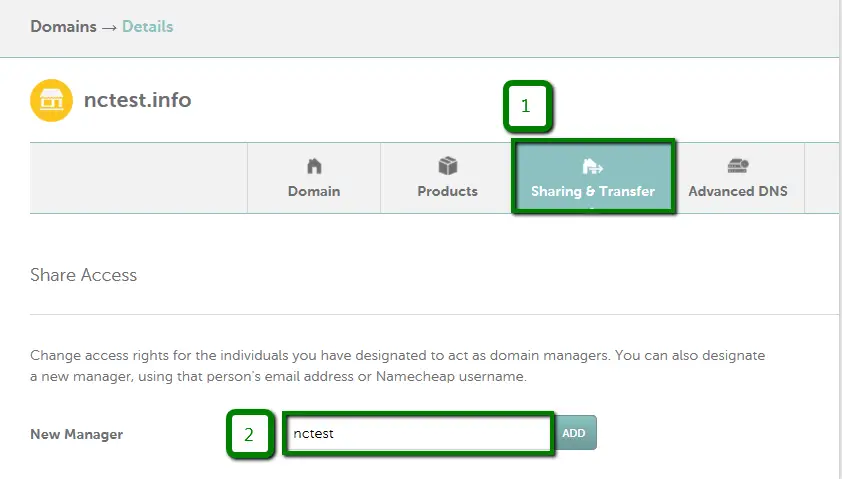
Enter hello@modularorange.com in the "New Manager" field. Click "Add" to proceed.
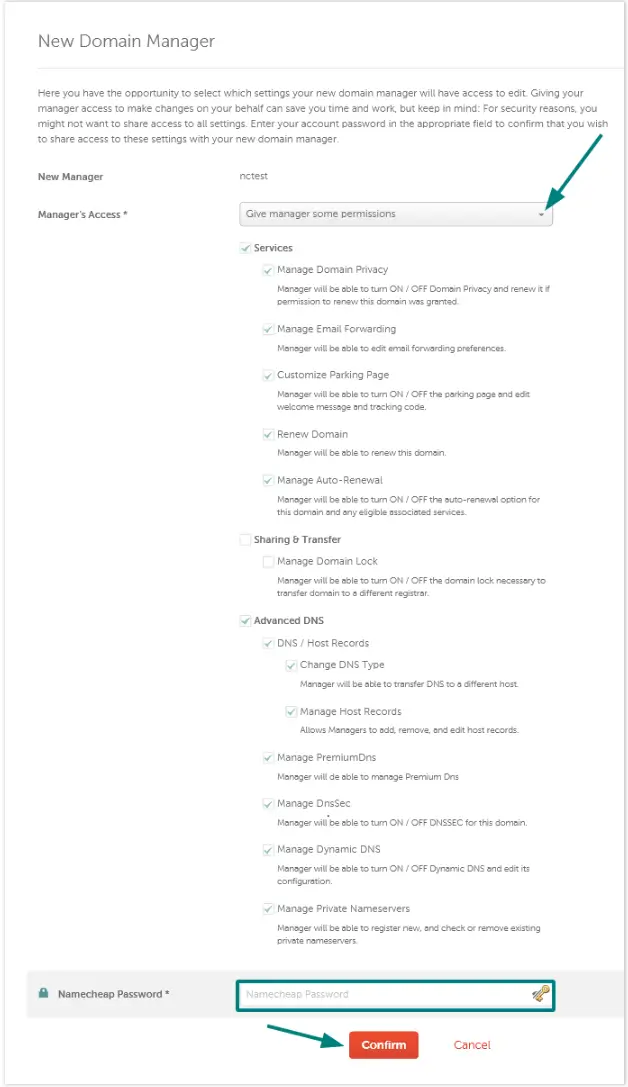
You do not need to check all the boxes available on the page, but under "Advanced DNS," please make sure all checkboxes are selected. Put your password into the last box, and then click "Confirm."
You're all done!